

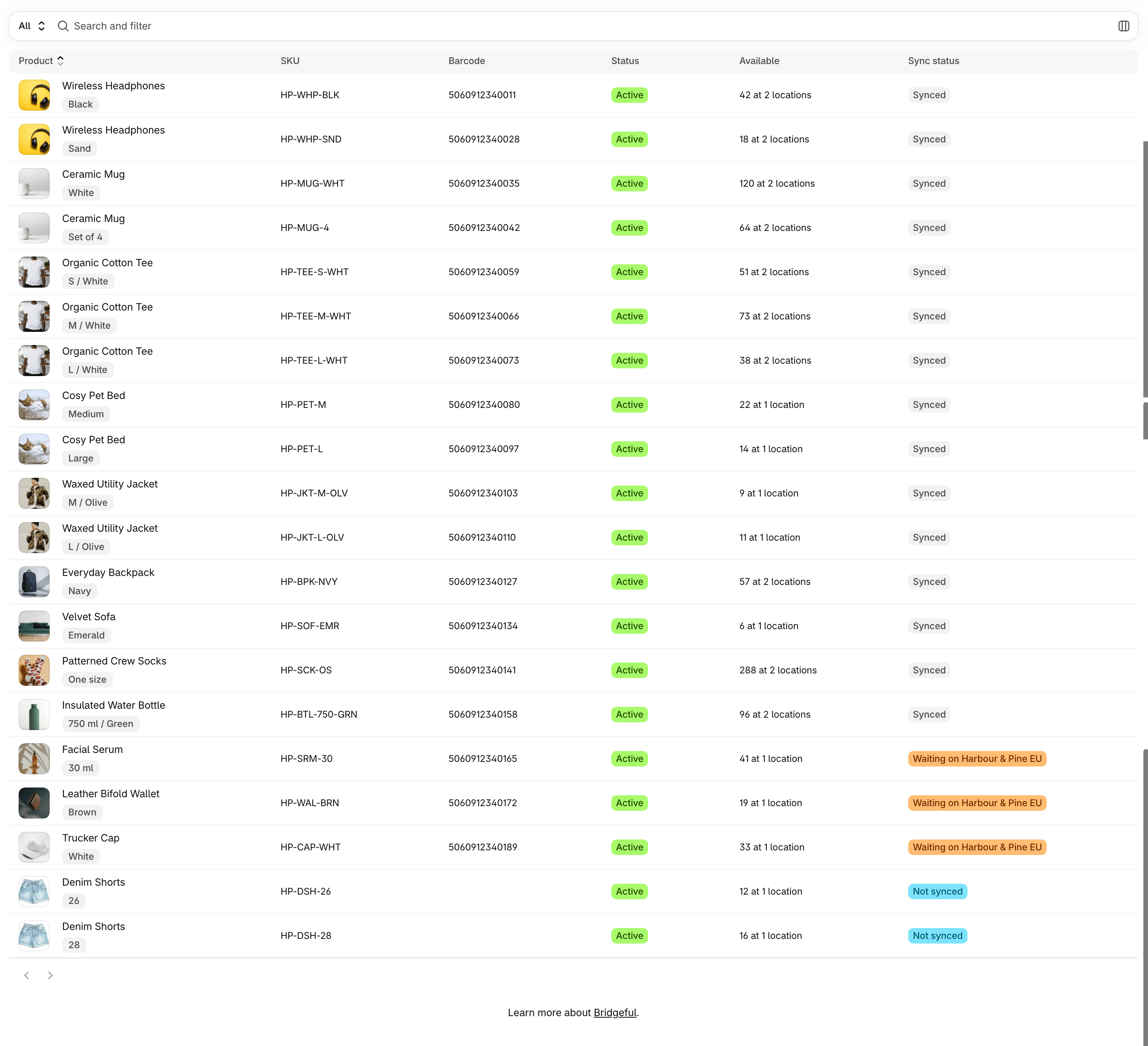
Products lists your main store’s products, one row per variant, with where each one stands across your stores. Search by title or SKU, filter by store and status, and choose which columns show.
The Products page listing each variant with its sync status

Sync status

Available shows the variant’s inventory on your main store, summed across locations. Select it to see the inventory at each location.

A product’s page

Open a product to see its SKU, barcode, status and inventory by location, and how it’s matched on each store:
  • Matched by SKU, by barcode or by handle: Bridgeful found it on its own
  • Matched by hand: you mapped it
  • Created by Bridgeful: Bridgeful created it on that store
  • Not mapped: it’s waiting on that store
The page also lists the product’s activity: every change Bridgeful made to it, and what changed field by field.

Unmatch a product

If two products were matched that shouldn’t be, choose Unmatch on the store’s row. Syncing between them stops, and the product waits on that store again. You can undo straight away.