What a change looks like
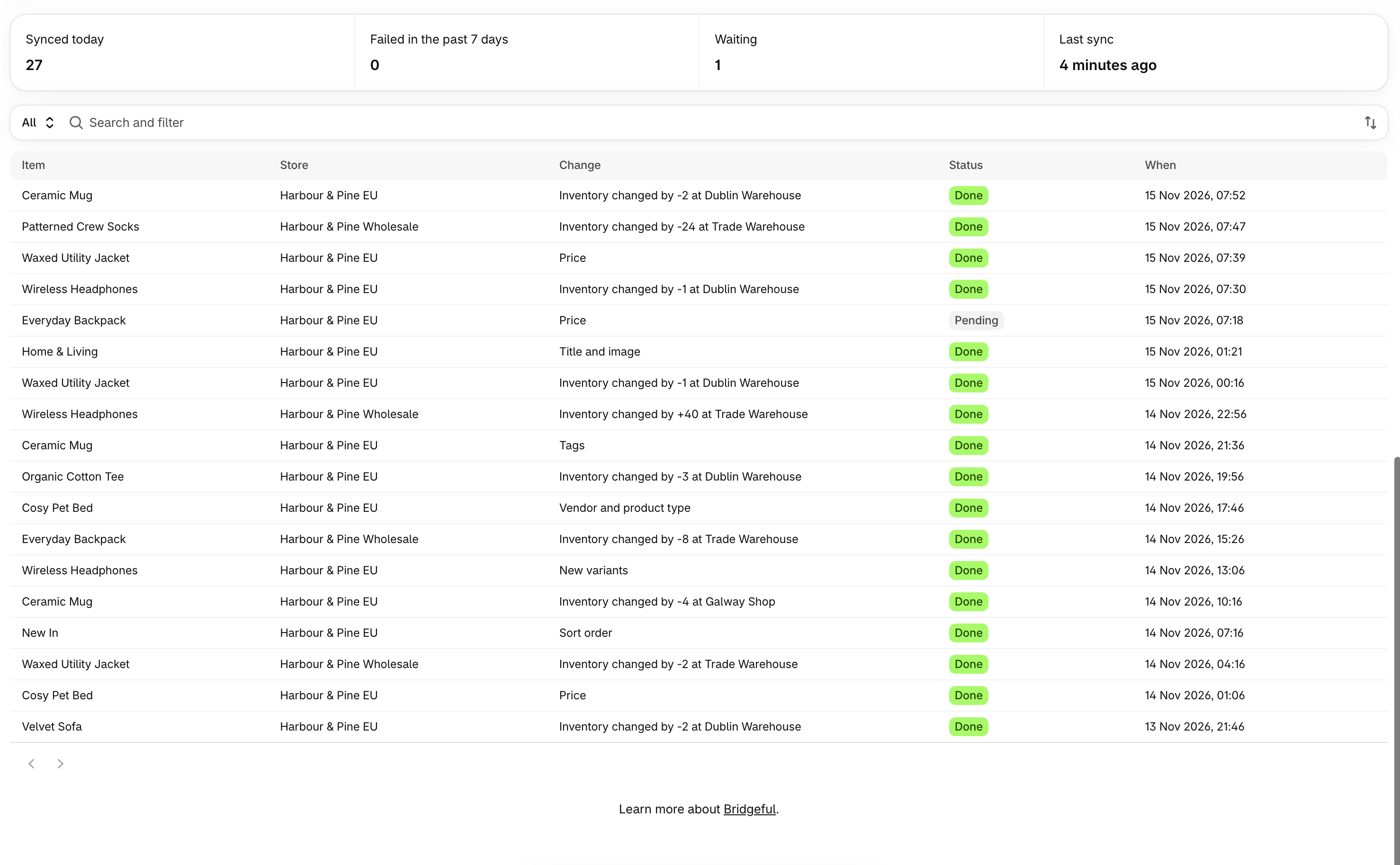
Each row is one product, collection or inventory change on one store, for example Inventory changed by -2 at Warehouse or Created on this store. Open a row to see what changed, field by field, with the old and new value.Search, filter and save views
Search by product, and filter by store, type, status and date. Save a set of filters as a view, for example one per store or only failed changes. The stat bar shows how many changes synced today, how many are waiting, and when the last one went through.Why a change failed
A failed change says why, for example:- another product on that store already uses the handle
- the item is no longer on the store
- the store hasn’t given Bridgeful access to make the change
- Shopify was busy or couldn’t be reached at the time